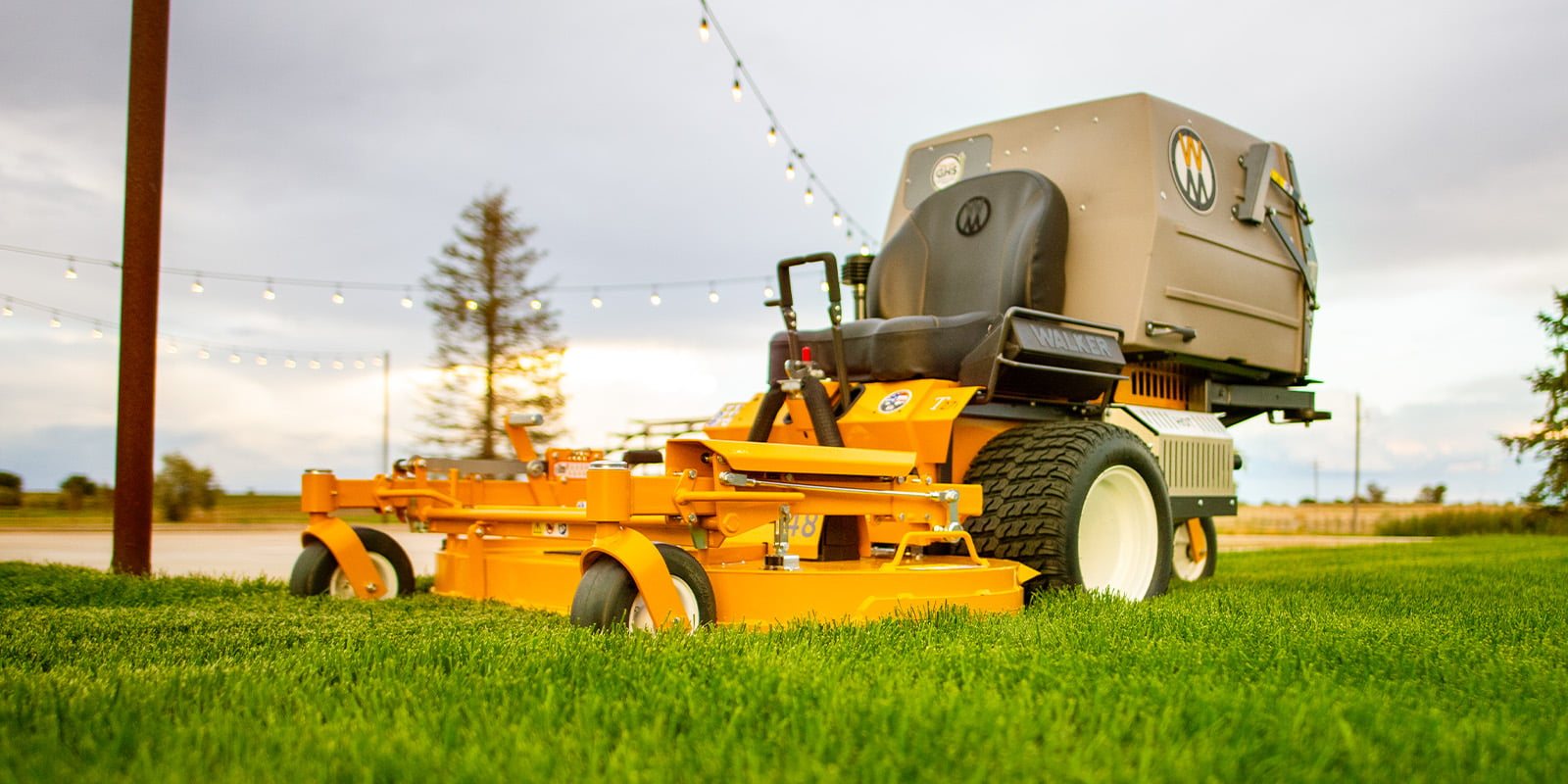
Example Power Equipment

Model T27i
Popular, fuel efficient, commercial performerCompact, Agile, Versatile
How it works
Three steps. About ten minutes. If you can post on Facebook, you can run DealerCast.
1. Drag in your videos
Walkarounds, lineup photos, service specials, whole folders at once. New files join the loop on their own.
2. Drop in your logo
DealerCast makes a light and a dark version, pulls your colors from it, and puts your brand on every screen.
3. Pair a TV
The TV shows a six-letter code. Type it in on your phone and the TV is playing in about a minute.
What you get
Set it up once. Change it any time. Everything you change reaches your TVs within a minute.
Your videos and folders
Drag in videos, photos or whole folders. Pick which folders play on which TV.
Your logo and colors
Light or dark screens, your accent color, saved as a look you can reuse.
Your words, your prices
Type any slide: this month’s financing, a service special, a welcome for a customer.
Local weather
Turn it on, enter your ZIP code. Customers check it; they stay a little longer.
Every TV in sync
TVs on the same channel play the same thing at the same moment, all day, on their own.
Your whole team
Invite your sales and service people. Only your dealership ever sees your files.
Built for dealersNot for restaurants.
Made for the floor you actually have
Customers wait on service, browse while the paperwork prints, and wander the lot. DealerCast keeps your best machines and your best offers in front of them the whole time.
- Powersports and motorsports
- Outdoor power equipment
- RV
- Marine
- Trailers
- Farm and compact tractor
14-day free trialCancel any time.
Simple pricing, per dealership
Pick the plan that fits your TVs. Upgrade or cancel whenever you like.
Most popular
Questions dealers ask
- What do I need to get started?
- A TV with an HDMI port, Wi-Fi, and an inexpensive streaming stick or a smart TV with a web browser. No computer at the TV, no cables back to an office and no IT person.
- How do I add a TV?
- Open DealerCast on the TV and it shows a six-letter code. Type that code into DealerCast on your phone or computer and the TV joins your dealership. It takes about a minute.
- Can I use my own photos and videos?
- Yes. Drag in photos, videos or whole folders from your computer. Photos can be JPG, PNG or WebP; videos can be MP4, MOV or WebM, up to 4 GB each.
- Can I put prices and specials on screen?
- Yes. Type a text slide with whatever you want: this month’s financing, a service special, a welcome for a customer picking up a new machine. It shows in your logo and colors.
- Will it look like our brand?
- Drop in your logo once and DealerCast makes a light and a dark version and suggests colors from it. Pick a dark or light screen style and an accent color, and every TV uses them.
Turn every TV in the building into a salesperson.
Start your 14-day free trial and have your first TV playing today.
Start free trial